 Hubs
Hubs7 min read
Internal vs external knowledge base: keeping team docs off client hubs
October 16, 2026
Running in production
The extension shoots the page you are on and files it into the step.
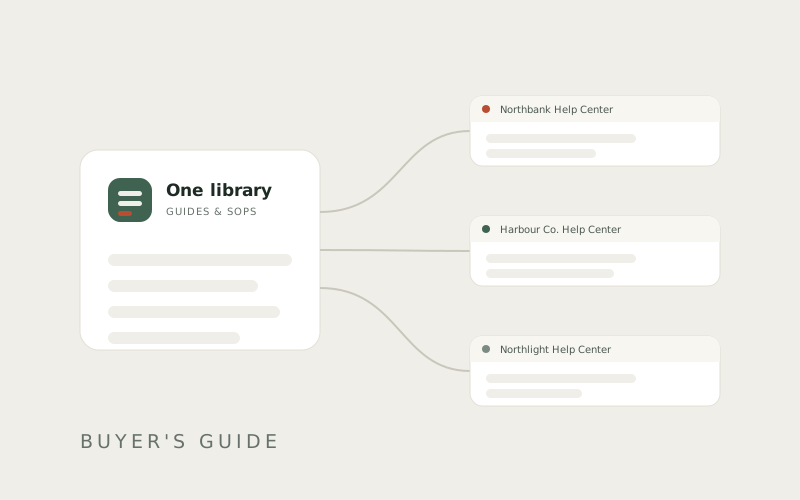
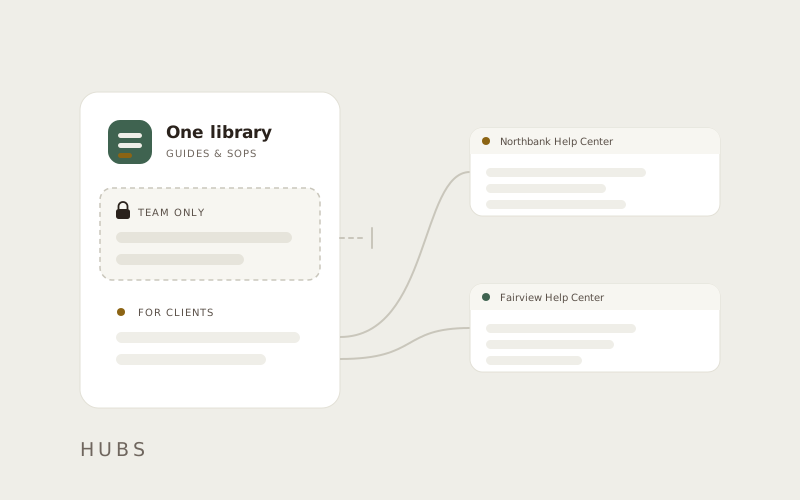
The same guide sits in every hub at once, current in all of them.
Doc AI names the guide and step behind every answer it gives.
Publish under your own name, or one per client under theirs.
Publishing places a guide rather than copying it, so the same guide sits in many hubs at once. Correct it once, and every hub holding it is current.
The extension takes the shot from the page you are on and files it into the step. It does not stop at your Downloads folder.
Doc AI answers from that hub's published docs and names the guide and step every answer came from.
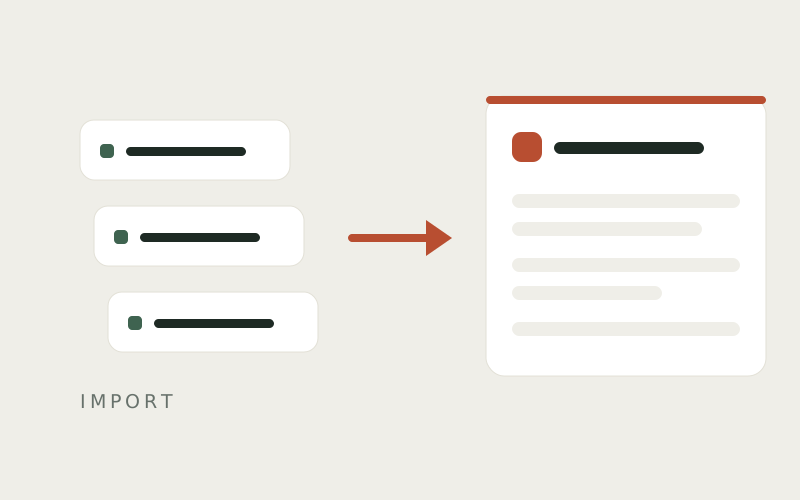
Record a process from the page you are on. Docssier's Chrome extension takes each shot and files it into the step you are writing — no Downloads folder, no cropping.
A password, card number, or email value is never written into a guide — only the name of the field it went into.
Blur, zoom, and pointers live in the step editor, and a draft is visible to nobody until you publish.
Publish one hub under your own name, or one per client under theirs. The type and layout stay Docssier's, so every hub reads as calm whatever color is picked — and the same guide can sit in all of them at once, current everywhere.
Creation, end to end
You record it once.
Each click becomes a step with the screenshot already attached.
Docssier writes the steps.
Raw events become sentences a reader can follow.
You publish it to the help center.
At the client's own address, readable without an account.
Doc AI reads only that hub's published docs — not the internet, not another client's hub, not its own earlier answers.
A draft is visible to nobody until you publish it — not readers, and not the chat. You decide the moment it goes live.
Put a password on a hub and it is enforced in the data layer, not just hidden on the page — the docs never leave the server without it.
Answers Doc writes are clearly marked as AI-written.
Explore a Live Help CenterCapture a process, publish it as a help center under your own name or a client's, and answer the repeat questions from what you published.