 Migration
3 min read
Bring the docs you already have
September 14, 2026
An agency does not have a documentation problem. It has one documentation problem multiplied by every client on the roster, and the multiplication is the part the software reviews never test.
Most lists of the best knowledge base software rank tools by what a single help center can do — the editor, the search, the theme, the analytics. All of that matters, and none of it is where an agency's decision is actually made. Yours is made the third time a client asks for a change you now owe on ten other help centers that still describe the old way, and you close the laptop with unusual care.
Pick two agencies and the right tool is different, because what hurts is different. But the questions that decide it are the same, and most of them only show up at scale. A tool that is a pleasure at one client can quietly become the most expensive thing you own at fifteen. So judge every option below on the same seven questions — and judge them at fifteen clients, not one.
What the second client costs, and the fifteenth. This is where pricing models split hardest. Some tools bill per site, per portal, per workspace, or per extra help center, so every client you add is a fresh line on the invoice. Others bill by seats or usage and let the number of client-facing sites float. Do the arithmetic at five clients and at fifteen before you compare monthly figures — the cheaper headline is often the more expensive plan.
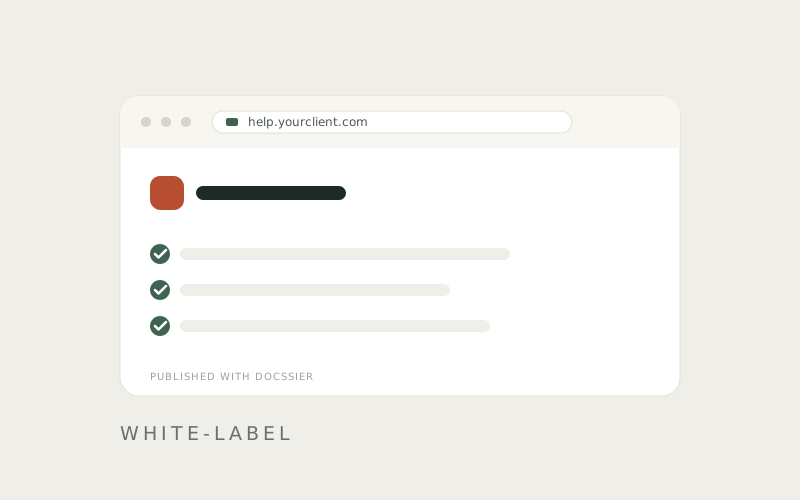
Whether each client's help center is really theirs. A logo slot is not a brand. Pull up a live example rather than a marketing screenshot and check what you can actually change — the name at the top, the accent, the introduction, the words a reader reads — then count how many times the vendor's own name is still on the page: the footer, the tab, the chat, the email a reader gets back. The distance between adding your logo and a page that reads as your client's own is where a lot of plans quietly upsell.
Whether readers need an account. A help center a client's customers cannot open without signing up is not doing the job a help center is for. Check whether reading requires an account, an invitation, or a seat that counts against your plan.
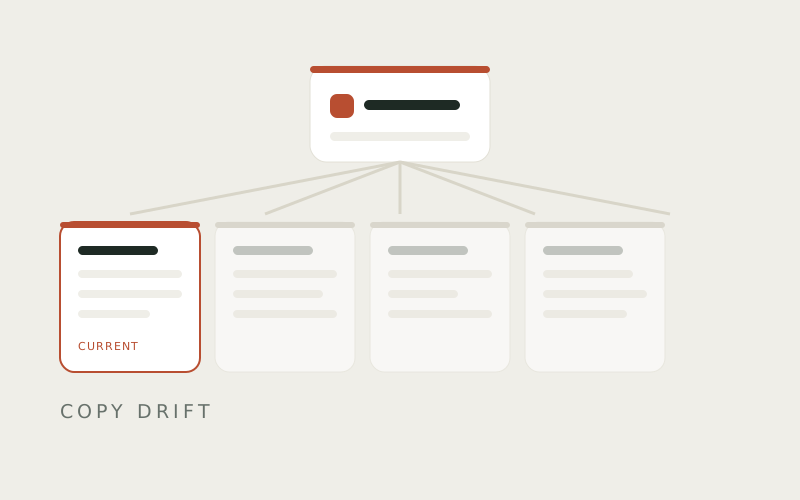
One source, or many copies. When a process changes, do you fix it once, or fix it once per client and hope you remembered all of them? This is the question behind every stale help center, and it is structural rather than a matter of discipline. If a guide can live in fifteen places, it will eventually live in fifteen versions, because the only thing holding them identical is somebody's attention — the exact thing you were trying to spend less of.
Whether it writes the docs or only stores them. Help centers sit empty because writing the guide is the job nobody volunteers for. A tool that records a process while you do it is doing different work from one that hands you a blank editor and good intentions, and both get sold as knowledge base software.
What happens when the docs don't cover it. Readers reach the edge of every help center. What sits at that edge — a dead end, a contact form into a void, or a chat that answers and a real ticket when it can't — is the difference between self-service that takes work off your desk and self-service that puts it back.
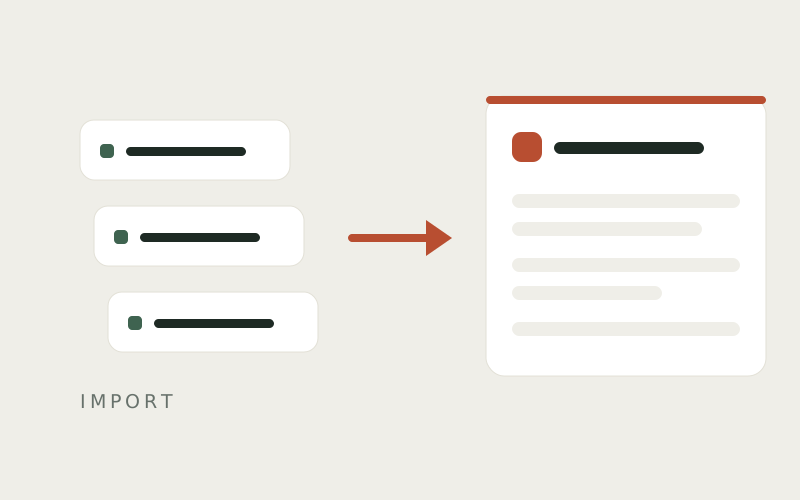
Getting your content in without losing a weekend. Switching tools usually means someone re-pastes hundreds of pages by hand. Ask how content comes in from wherever it lives now — an export file, or the live address of your current help center — and whether the filing and the screenshots survive the move. A tool that can read a help center straight from its URL turns a week of copy-paste into an afternoon of review.
The market sorts into a few groups, and an agency usually ends up choosing between groups rather than between products. Here is what each is good at, and where the multiplication bites.
Helpjuice, Document360, Guru. These treat the knowledge base as the whole product, and it shows — strong editors, real search, versioning, deep branding control. If you run one large, serious help center, this is the category that respects it.
The agency tax is twofold. Pricing tends to climb with the number of sites or reader-facing spaces, so a second and third client are not free. And several of them publish no price at all, which is its own answer about who the plan is sized for: you find out on a call, priced to your roster.
Assembly (formerly Copilot), FuseBase. Built for the agency shape from the start — a branded space per client, usually bundling files, messaging and invoicing with a help center behind one login. If the help center is one tab inside a portal you were going to buy anyway, this is a reasonable home for it.
Two cautions. The help center is often the shallowest part of a product built for billing and file-sharing, so test the editor and the search against your real guides, not the demo. And full de-branding tends to sit on an upper tier, so price the plan that removes the vendor's name, not the one in the headline.
Help Scout, Zendesk, Intercom. These come at it from support — a shared inbox first, with a help center as the self-service front. The loop is mature: queues, assignment, saved replies, response targets. If your agency runs live support for clients, that maturity is real and hard to match.
The help center, though, is usually the junior feature, and the number of separate branded help centers you can run is often capped by plan and climbs with price. For an agency measured in clients rather than in one company's inbox, that cap is the ceiling to read before anything else.
Scribe, Tango, Trainual. These are good at the part that hurts most — turning a process you are doing into a written guide with screenshots, without you starting from a blank page. Scribe in particular is good at capturing a first draft.
Where they stop is publishing and answering. A captured guide still needs somewhere branded to live, per client, and a way to be found and asked about. Some also wall off the export — Scribe's is a paid feature, though sharing the same guide is free — which is worth knowing before your whole library lives inside one.
Notion, Google Docs. At one client these are fine, and anyone telling you otherwise is selling something. A single guide in a single place, edited when it changes, needs nothing more.
The trouble starts once the number of places passes what a person can hold in their head, which is around four. A Notion page per client looks tidy until month three, when the process changes and you are editing one copy of fifteen. Nothing on the page reads to a client as theirs, and nothing sits at the edge when a reader has a question.
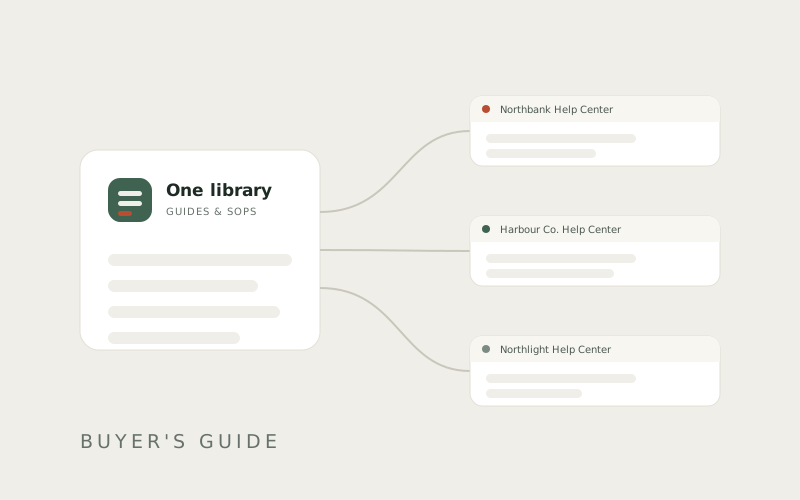
Docssier is built for exactly this shape. Your whole practice runs from one library of guides and SOPs, and each client gets a help center published from it, living under your business's own Docssier address. Adding a client means publishing another help center, not starting another subscription — every paid plan runs unlimited hubs, and you pay for team seats and the number of questions Doc AI answers, never per client. Three clients or thirty, the count is not a line on the invoice.
Each help center carries the client's name, logo, accent and wording, and readers open it without an account or an invite. Docssier itself shows up twice and stays quiet about it — a line in the footer and a line in the chat — and even the chat's name is yours to change. Underneath all of them is the part that matters on the day a process changes: a guide lives once in your library. Publish it to as many help centers as you need, fix it in one place, and every client's copy changes in the same moment — no versions to reconcile, no year-old page sitting on one client's site contradicting the other ten.
Writing is the part most tools hand back to you, and it is why help centers sit empty. Docssier's capture extension, on the Chrome Web Store, records a process while you do it — each click becomes a step with the screenshot already taken — so a guide starts as a draft to tidy rather than a blank page to dread. When a reader asks something a guide doesn't cover, Doc AI answers from that client's published docs and shows the guide and step it drew from; when the docs genuinely don't have it, Doc opens a ticket in a shared inbox instead of guessing. And moving in doesn't mean retyping years of work — point the importer at an export, or at the address of the help center you run now, and the pages come across with their filing and screenshots intact.
None of these is the wrong answer for every agency. The right one is whichever tool's pricing, branding and maintenance model still makes sense at the client count you are heading toward, not the one you have today. Do the arithmetic at fifteen. Open a live page and count whose name is in the footer. Change one guide and watch what happens to the copies.
Answer it once. Docssier answers it after that.
Capture a process, publish it as a help center under your own name or a client's, and answer the repeat questions from what you published.