 Buyer's guide
9 min read
The best knowledge base software for agencies, judged at the fifteenth client
September 15, 2026
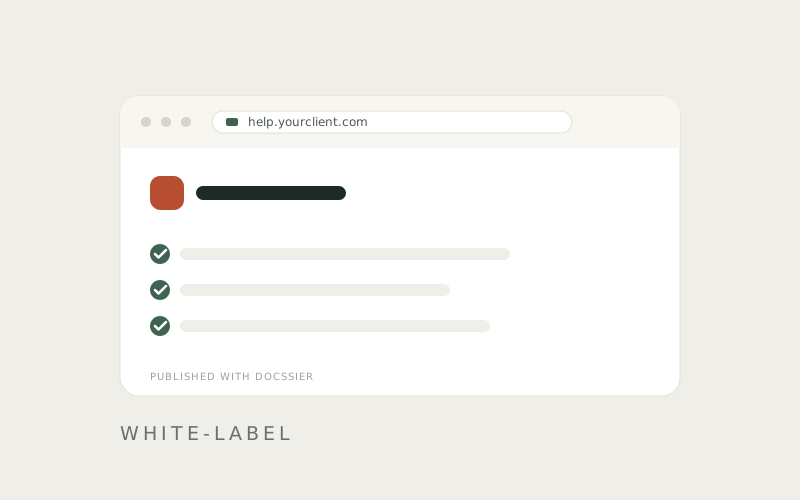
White-label is doing a great deal of work in this market. Depending on the vendor it can mean a full custom domain with no vendor branding anywhere, or a logo slot in the corner of a page that still says the vendor's name in the footer, the tab title and the chat window.
Both get advertised with the same word. Here is what to check before you pay, and what each one tends to cost extra.
The address. Does each client's help center get its own address, or do they all sit at yourvendor.com/yourcompany/clientname? Ask about a subdomain per client, and separately about pointing your own domain at it. Those are two different features and they are often sold as one.
Whose name is in the footer. Look at a live example rather than a marketing screenshot, and count the vendor's name on the page: footer, tab title, chat window, error pages, and the email a reader gets after submitting something. Removing the last one or two is frequently what moves you up a plan.
The logo, and what else is themeable. Most tools let you upload a logo. Fewer let you set the accent color, the headline, the introduction and the support hours, which is the difference between a client's help center and a vendor page with a logo pasted on it.
Whether readers need an account. A help center your client's customers cannot open without signing up is not a help center. Check whether reading requires an account, an invitation, or a seat that counts against your plan.
What a second client costs. This is where pricing models diverge hardest. Some tools bill per site, per portal or per workspace, so every client you add carries a price. Others bill by seats or usage and let the number of client-facing sites float. Do your own arithmetic at five clients and at fifteen before comparing monthly figures. The cheaper headline price is frequently the more expensive plan.
What happens to the docs if you leave. Ask whether you can get your content out, in what format, and whether screenshots come with it. Then ask what happens to a client's help center on the day you stop paying: does it go dark, stay up, or redirect.
Who the client thinks they are dealing with when something breaks. If a reader submits a question, find out where it goes and whose name is on the reply. A white-label front end with a vendor-branded support loop behind it is only half white-labeled, and the half that is left is the half your client notices.
Where Docssier lands, since this is our blog
Every client help center gets its own subdomain, its own name, logo, accent color, headline, introduction and support hours. Readers open it without an account. Docssier appears exactly twice on the page, as a footer credit and one line in the chat, and the chat itself can be renamed.
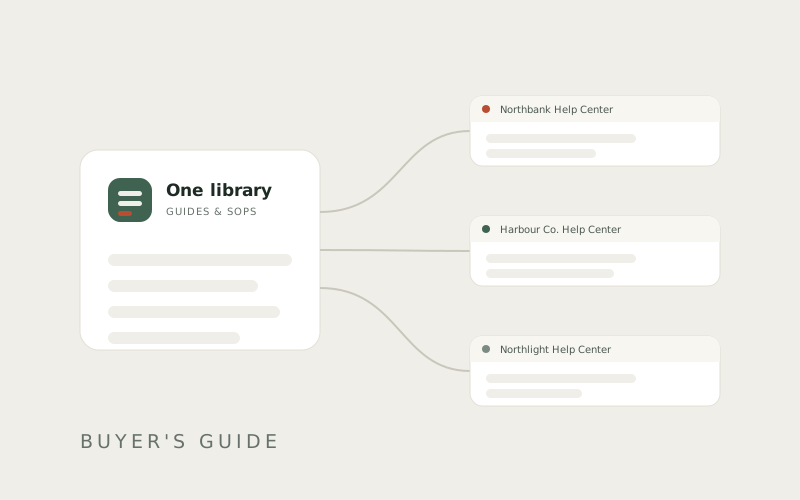
Every paid plan runs unlimited help centers. Docssier does not bill per hub, so the number of clients you serve is not a cost.
Two things we do not have. Custom domains are not available at launch, so every hub sits on a docssier.com subdomain for now. And there is no export: nothing is locked, but if you want a file of your content today, we do not produce one. Both are fair to weigh against a vendor that has them.
Capture a process, publish it as a help center under your own name or a client's, and answer the repeat questions from what you published.