 Buyer's guide
9 min read
The best knowledge base software for agencies, judged at the fifteenth client
September 15, 2026
Nobody stays on a documentation tool because they love it. They stay because the alternative is a weekend of copying and pasting, and a week after that finding the links nobody remembered to update.
That is the real cost of switching, and it is why most documentation still lives in the first tool anyone tried.
Point it at what your current tool exports:
If your docs are in something not on that list, the general file path takes whatever you have and does what it can with it.
Three things, and the third is the one people do not expect.
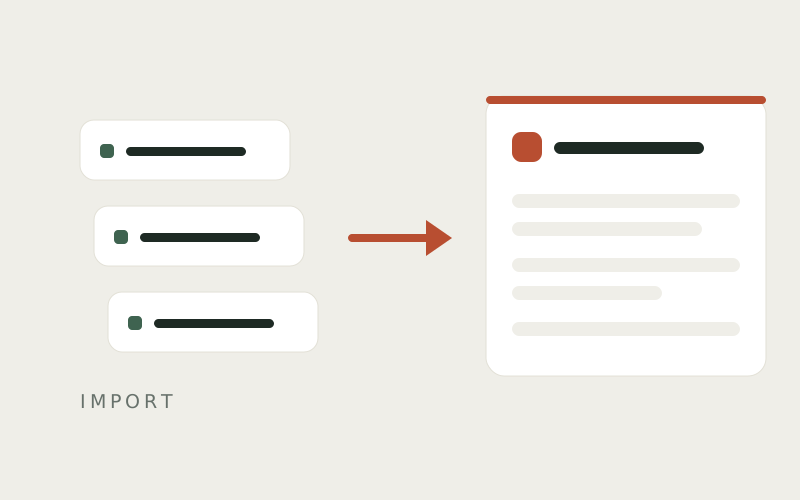
The filing. Docs arrive arranged the way they were arranged, rather than flattened into one long list you then sort by hand.
The instructions. A numbered list in a Notion page comes across as a guide with real steps, each one ready for a screenshot rather than a paragraph pretending to be a procedure.
The addresses. Docssier records where each doc used to live, so the links you have already sent to clients can be pointed at the new page instead of breaking.
Exporting a Scribe is a paid feature. Sharing one is not. Someone on the free plan can put their own guide at a public address and still not get a file out of it, which is an odd place to be stuck when the guide is theirs.
So Docssier reads the page you can already share. And because Scribe records where each click landed, and so does Docssier, an imported Scribe arrives with its click markers still on its screenshots. It looks like a guide captured here, because structurally it is one.
It is a one-time read, not a connection. Your Notion pages do not stay in step with Docssier afterwards, and Docssier does not write back to them. What comes across lives here from that moment, and the original stays exactly where it was.
It also does not make the writing good. A guide that was thin in Notion is a thin guide here. What changes is that the thin guide is now somewhere you can fix it, next to a capture extension that can add the screenshots it never had.
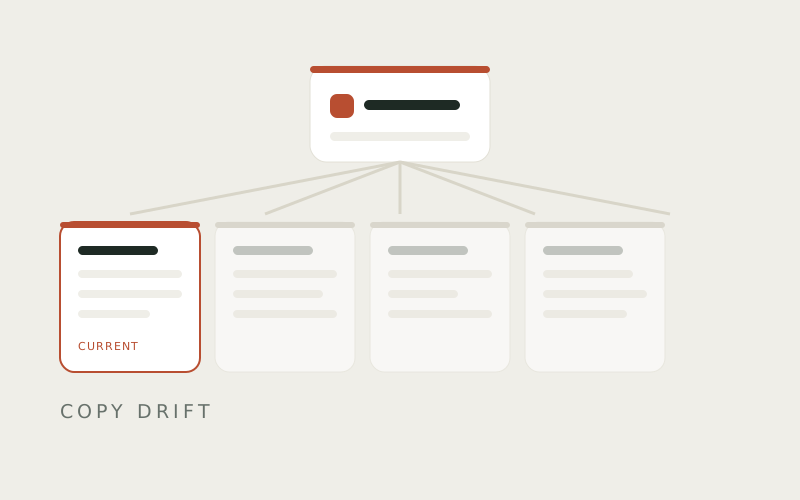
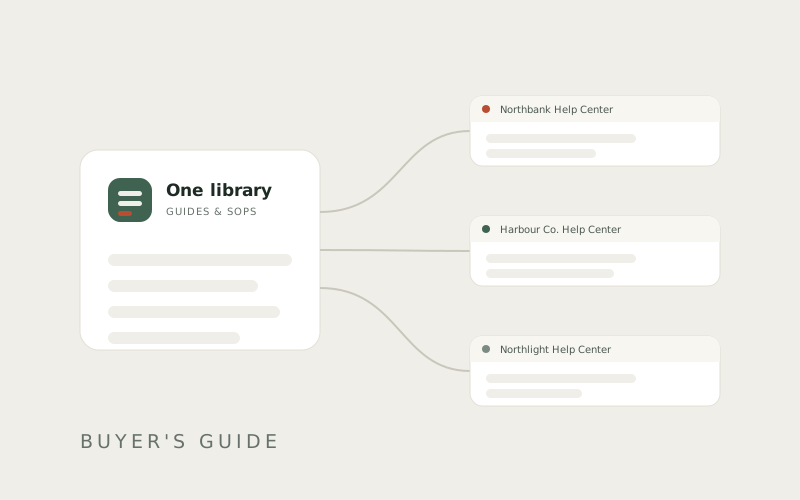
Once the docs are in one library, the difference shows up the next time a process changes. A guide lives once and gets published to as many help centers as you need. Correct it in one place and every hub carrying it is current, at the same moment, without you opening any of them.
Which is the part that matters on the day a process changes and eleven help centers would otherwise all be wrong at once.
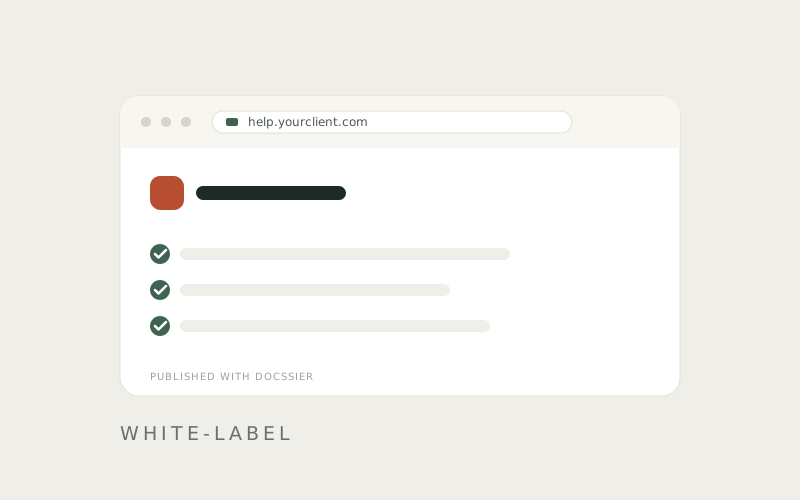
Capture a process, publish it as a help center under your own name or a client's, and answer the repeat questions from what you published.