 Buyer's guide
9 min read
The best knowledge base software for agencies, judged at the fifteenth client
September 15, 2026
The slow part of documentation was never the writing.
It is the screenshot. Taking it, cropping it, drawing the arrow, finding where in the document it belongs, and then doing all of that again in March when the screen changes and every image is subtly wrong. Writing the words takes twenty minutes. Illustrating them takes an afternoon, and the afternoon is the reason the guide never gets written — so the same question keeps finding the one person who knows the answer.
You are that person. That is why the question keeps finding you.
Docssier starts at the screenshot, because that is where the work actually stalls.
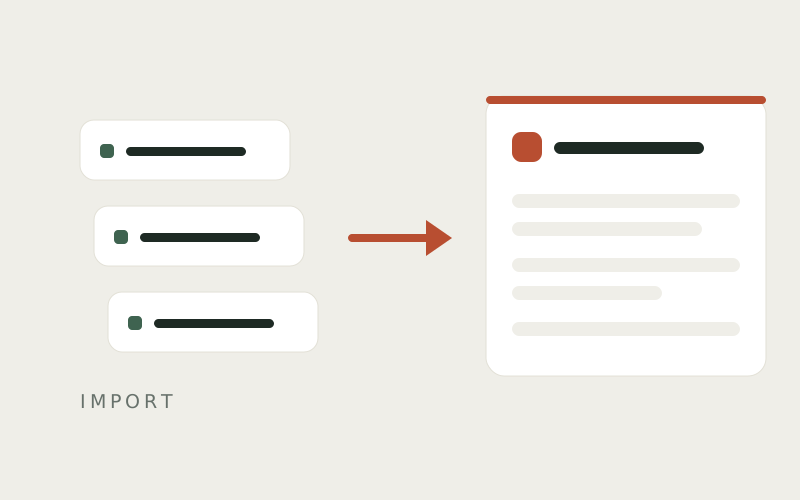
Install the capture extension from the Chrome Web Store, open the page where the work happens, and start a recording. Then do the task. You were going to do it anyway.
Each click becomes a step with the screenshot already attached and the click marked on the image. Typing is recorded as a step too. Stop the recording and the guide is waiting in your drafts, structured, illustrated, and needing only the wording tidied.
The cost of producing it was the length of the task, and nothing more.
A typed value in a password, card, email, or phone field is recorded as the name of the field it went into, never the value.
This is worth checking before you point any recorder at client work, and it is checkable here: the capture writes the field's own label, not its contents. A client's card number cannot end up in a guide, because the mechanism that would put it there does not read it.
Nothing publishes on its own, either. What a recording produces is a draft, and a draft in Docssier is invisible to every reader until you decide otherwise.
Drafts are where the editing happens. Blur what should not be in the shot. Zoom in on the control that matters. Add a pointer where the click landed if the ring is not enough on its own.
Then read the steps back in order, which is the part worth not skipping. A recording captures what you did, including the two clicks you made by mistake and the tab you opened for something else. Deleting those is thirty seconds of work and the difference between a guide that reads as written and one that reads as recorded.
A hub is a help center of its own: a real website at its own address, with its own name, logo, brand color, and wording. Readers open it without an account.
Publish under your own name, or publish one hub for each client under theirs. On a client's hub, Docssier appears exactly twice — "Published with Docssier" in the footer, "Powered by Docssier" in the chat — and everything else on the page is theirs.
Open the hub's address in a new tab once you have published. The guide is there, and seeing it there is the only confirmation worth having.
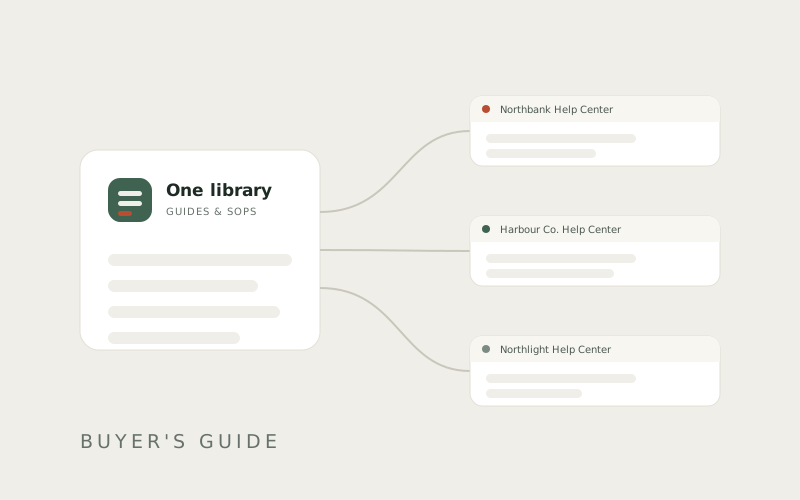
Publishing places a guide. It does not copy it.
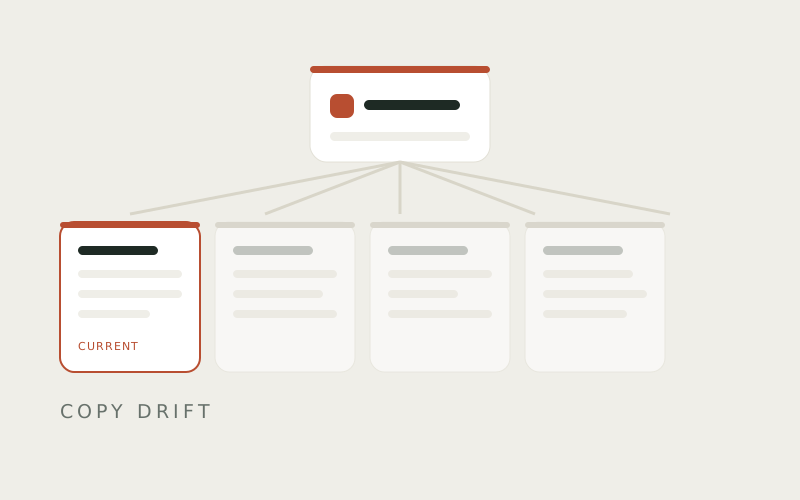
So the guide you just wrote can sit on four clients' help centers at once, and there are still not four guides. There is one guide, appearing in four places. Correct it, and all four are correct.
This is the part that decides whether documentation survives contact with a real business. Copies rot at different rates. One of them gets updated, three do not, and eventually nobody can say which version is the true one — including you, which is how a client ends up following instructions that stopped being accurate two quarters ago.
Every hub has a chat. Doc AI answers from that hub's published docs and nothing else, and cites the guide and step behind every answer so the reader can check it.
When the docs genuinely do not cover the question, Doc opens a ticket instead of guessing. The ticket lands in your Inbox with the question in the reader's own words.
That ticket is the clearest signal there is about what to write next. It is a real person, stuck, describing a gap you could not see from the inside — because you wrote the guide already knowing how the thing works, which is precisely why it has holes where it does.
Record the task once. Tidy the draft. Publish it wherever it needs to be. Answer the questions it does not cover, and write the guide those questions asked for.
Answer the question once. Docssier answers it after that.
Capture a process, publish it as a help center under your own name or a client's, and answer the repeat questions from what you published.