 Buyer's guide
9 min read
The best knowledge base software for agencies, judged at the fifteenth client
September 15, 2026
Nobody stays on a documentation tool because they love it. They stay because the alternative is a weekend of copying and pasting, and a fortnight after that, finding the links nobody remembered to update.
That is the real cost of switching, and it is why most documentation is still sitting in the first tool anyone tried.
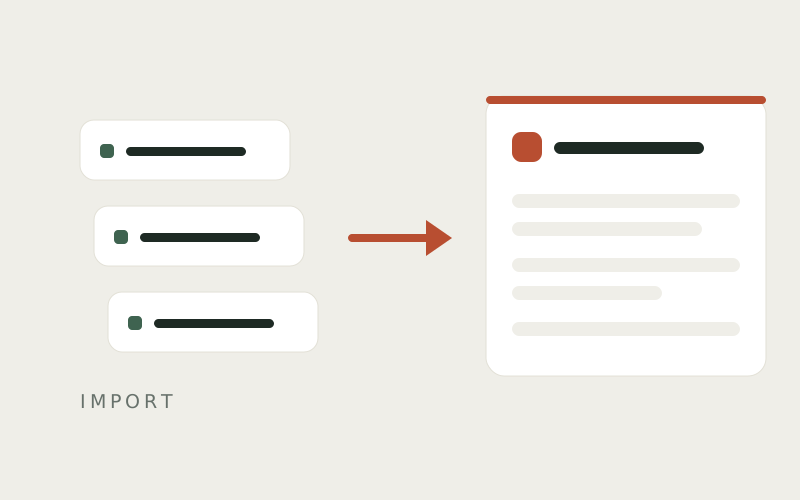
Docssier now reads what your current tool produces.
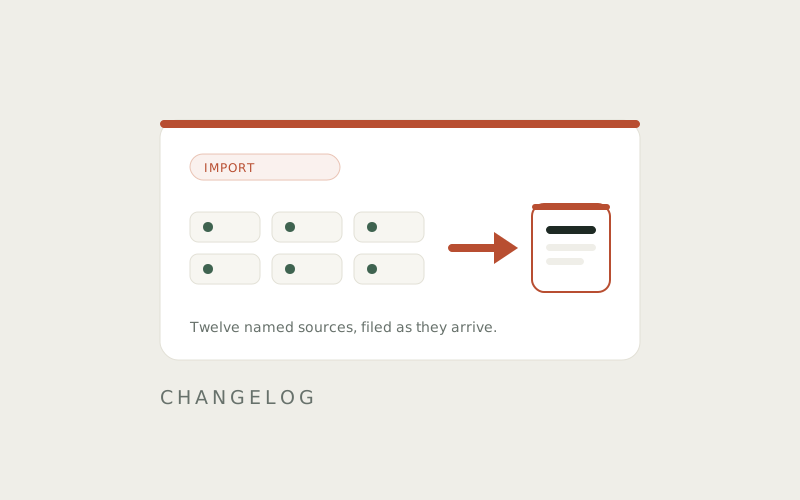
Twelve named sources: Notion, Scribe, Google Docs, Help Scout, Airtable, Confluence, Zendesk Guide, Intercom Articles, Guru, Trainual, Word, and CSV or spreadsheet. A general file path handles whatever is not on that list.
If your docs are in something unnamed here, point the general path at them and see what comes through. It will not be nothing.
Three things, and the third is the one people do not expect.
The filing. Docs arrive arranged the way you had them arranged, rather than flattened into one long alphabetical list you then spend an afternoon sorting back into shape. Whatever structure the export carried is rebuilt on the way in.
The instructions. A numbered list inside a Notion page arrives as a guide with real steps — each one a step in its own right, ready for a screenshot, rather than a paragraph wearing the costume of a procedure. The difference shows up the first time somebody follows one.
The addresses. This is the one that quietly ruins migrations. Your old docs live at URLs, and those URLs are in emails, in onboarding packets, in a client's bookmarks bar, and in a Slack message from eight months ago that someone is about to search for. Import records where each doc used to live, so the old addresses can be redirected to the new ones rather than breaking.
Scribe is worth calling out on its own, because it is the tool most of this audience has a folder in.
Docssier reads a Scribe guide from its public link. And because Scribe records where each click landed, and Docssier records the same thing, an imported Scribe guide arrives with its click markers still on the screenshots. The little ring showing the reader exactly where to press is not something anyone wants to place by hand across four hundred steps.
Import checks incoming docs against what is already in your library, so a second run does not leave you with two of everything. Where something looks like a duplicate, it is flagged as one rather than quietly stacked on top of the original.
Which matters, because the first import is rarely the only import. People bring one folder over, look at it, and then bring the rest.
It is a one-time read.
An imported doc lives in Docssier from that moment and has no further relationship with wherever it came from. Edit the Notion page afterward and the guide in Docssier does not change. Edit the guide in Docssier and the Notion page does not change either. There is no connection left between them, on purpose.
That is a real limitation and worth knowing before you plan around it. It also means the decision in front of you is a move rather than an arrangement: the docs come over, and the old tool stops being the thing you maintain.
Start with one folder rather than everything. Bring over the set of guides you hand to clients most often, publish them to a hub, and read them as a reader would.
You will find things. Documentation that has been quietly rotting in another tool tends to look worse in a clean help center than it did where it was, which is uncomfortable and also the point — you now know which four guides are wrong, instead of suspecting that some of them are.
Capture a process, publish it as a help center under your own name or a client's, and answer the repeat questions from what you published.